Here's a story we hear a lot. An owner signs up for Zoho because it promises everything in one place: CRM, invoicing, forms, email campaigns, e-signatures, file storage. Three months later, they're using the CRM as a glorified contact list, invoices still go out from a spreadsheet, and leads still live in someone's inbox.
Nothing is wrong with the software. It just never got set up around how the business actually runs.
This guide covers what a proper Zoho CRM setup for a small business should include, what a done-for-you implementation costs, and the mistakes that leave owners paying for tools they don't use.
Why Zoho Appeals to Small Businesses
Zoho CRM is one of many CRMs on the market, but Zoho's draw for small businesses is the breadth of the ecosystem around it. Bundles like Zoho One put CRM, accounting, forms, marketing, signatures and documents under one roof, so your tools can share data instead of you retyping it.
That breadth is also the trap. More apps means more settings, more connections and more ways to configure things badly. A good setup is less about turning everything on and more about connecting the pieces your business needs, in the order work actually flows.
What a Zoho CRM Setup Should Include
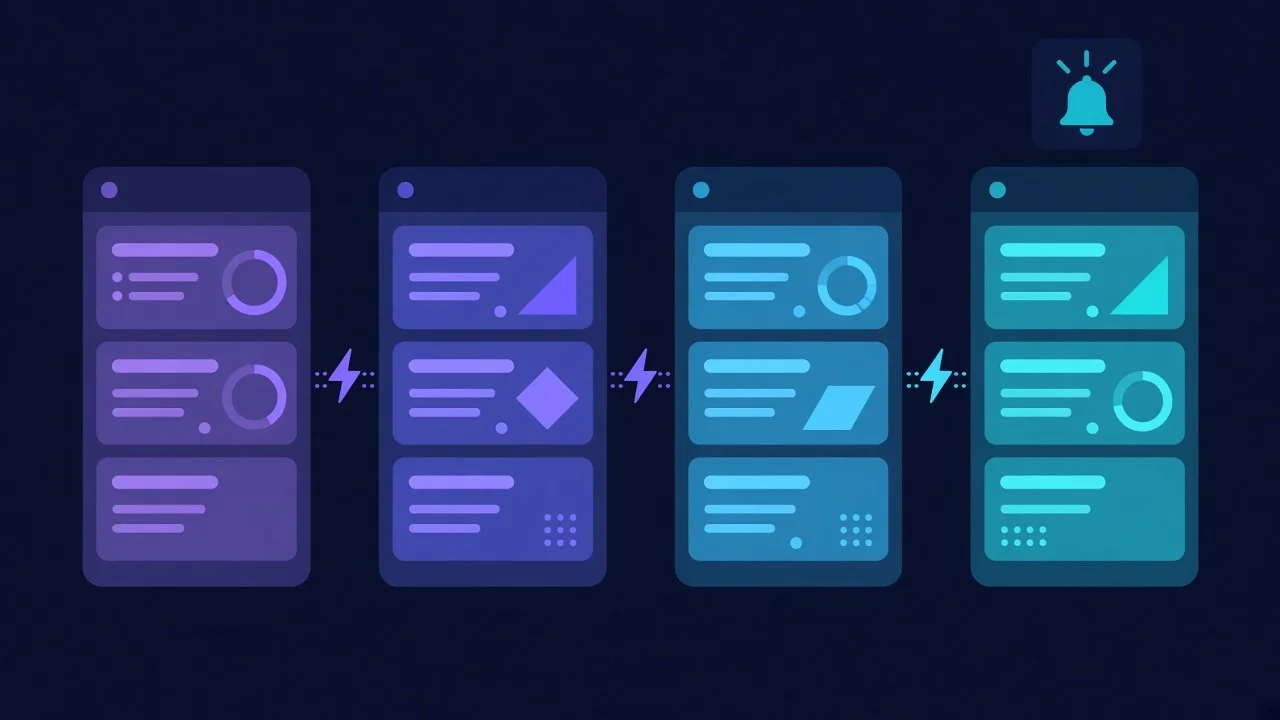
Whoever sets up your Zoho — you, a freelancer, or a firm like ours — the implementation should cover these areas.
Discovery before configuration
Before anyone touches a setting, someone should map how a lead becomes a customer in your business: where inquiries come from, who follows up, what a "qualified" lead looks like, and what happens after the sale. Skipping discovery is how you end up with a CRM that mirrors a generic template instead of your process.
A pipeline that matches your sales process
Your pipeline stages should match the real steps a deal goes through. Fields should capture what you actually need to know, and nothing you'll never fill in. Some businesses need one pipeline; others need separate ones for different services or customer types.
Books and payment connection
Quotes, invoices and payments should connect to the CRM so you can see where money stands without logging into three systems. Zoho Books handles invoicing and can link to payment processing.
Intake forms that feed the CRM
Website and intake forms should create records automatically, not land in an inbox for someone to copy over. This is where a lot of the time savings hide.
Email, campaigns and social
Connecting your email to the CRM keeps conversations attached to the right contact. Campaigns and social tools are worth setting up if you'll actually use them for follow-up and nurturing.
Documents and signatures
Zoho Sign and WorkDrive keep contracts and files organized and tied to deals instead of scattered across downloads folders.
Automations — the right number of them
Standard automations handle repetitive moves: assigning new leads, sending follow-up reminders, updating stages, alerting you when something stalls. Start with a handful that remove real friction. You can always add more.
Training and written instructions
If your team doesn't know how to use the system, it won't get used. Onboarding sessions and written instructions are part of the job, not an extra.
From Intake to Project: Where Zoho Earns Its Keep
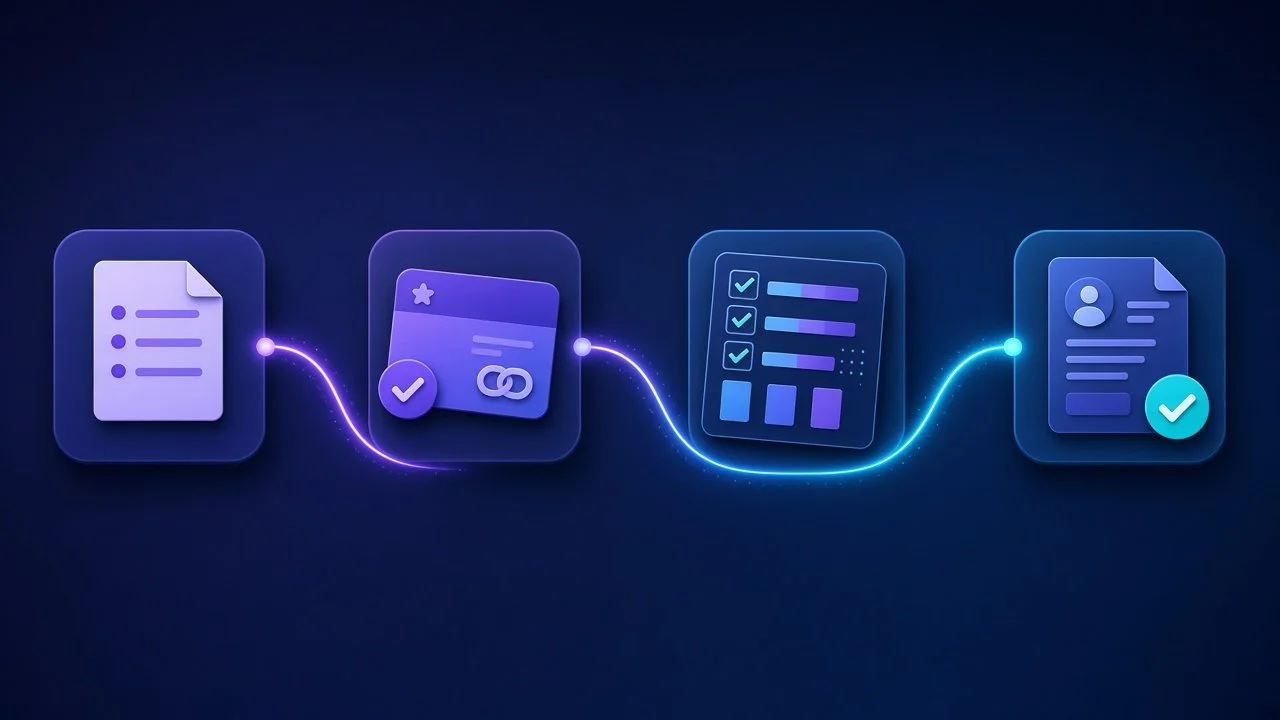
The biggest payoff usually comes from connecting the whole journey, not just the sales piece:
A prospect fills out a form on your website.
A lead is created and assigned automatically.
When the deal closes, a project is created from a template.
Payment and follow-up workflows kick in.
You see the whole thing in one place.
When that chain works, the business stops depending on someone remembering what comes next. It's the same principle behind what we've written about integrated web design and AI automation — systems that coordinate themselves so you don't have to. And it's why a website that isn't connected to anything starts to strain as you grow, as we covered in Why Your Website Breaks the Moment Your Business Grows.
How Much Does a Zoho Implementation Cost?
Two costs matter: the software subscriptions you pay Zoho directly, and the setup you pay someone to configure. Zoho's own site lists current subscription pricing. For setup, here are our published Zoho setup packages as reference points. Each covers one business entity, and the client pays the software subscriptions.
Zoho Business Foundation — $3,000 one-time
CRM with one sales pipeline, Books and payment connection, basic item/inventory setup, Forms intake, Campaigns and Social setup, email connection, Sign and WorkDrive setup, up to 5 standard automations, and one onboarding session.
Zoho Connected Business — $4,500 one-time
Everything in Foundation, plus up to 3 CRM pipelines, Projects templates and client progress tracking, intake-to-deal-to-project routing, payment and follow-up workflows, up to 10 standard automations total, migration of up to 3 mailboxes, and two onboarding sessions.
Zoho Business Operations Suite — $6,500 one-time
Everything in Connected Business, plus up to 5 CRM pipelines, detailed inventory and order workflows, approvals and exception alerts, native Zoho reporting dashboards, up to 15 standard automations total, migration of up to 5 mailboxes, and three onboarding sessions.
All three include discovery, configuration, testing, written instructions and training. Custom APIs, bots, scraping, major data cleanup, historical bookkeeping, multi-company accounting and custom dashboards are quoted separately. After launch, on-demand Zoho support is $125/hour, approved before billing.
Common Zoho Setup Mistakes to Avoid
Turning on every app at once. Start with the workflow that costs you the most time.
Importing messy data. Clean contacts before migration, or you'll just have messy data in a nicer interface.
Over-automating. Fifty automations nobody understands are worse than five that everyone trusts.
Skipping training. The system is only as good as the habits around it.
No owner. Someone on your team needs to own the CRM after launch.
Zoho's CRM help documentation is thorough if you want to go deeper on any feature before you commit.
Frequently Asked Questions
Do I need Zoho One or just Zoho CRM?
It depends on how many of the connected apps you'll actually use. If you need CRM, invoicing, forms and signatures working together, a bundle is often simpler. We'll help you decide during scoping.
How long does a Zoho setup take?
It depends on the package, your data and how quickly your team can provide access and approvals. We'll give you a timeline once scope is agreed.
Can you fix a Zoho account someone else set up?
Yes. On-demand Zoho support is $125/hour, with work approved before billing.
Is the Zoho subscription included in the setup price?
No. You pay Zoho directly for software; the setup fee covers configuration, testing and training.
Get a Straight Answer on What You Need
Before you buy a package, book a free 30-minute Readiness Call. Bring one process that's costing you time. We'll map how work moves through your business today and recommend the right Zoho scope — or tell you if a different approach, like our AI Business Operators, fits better.